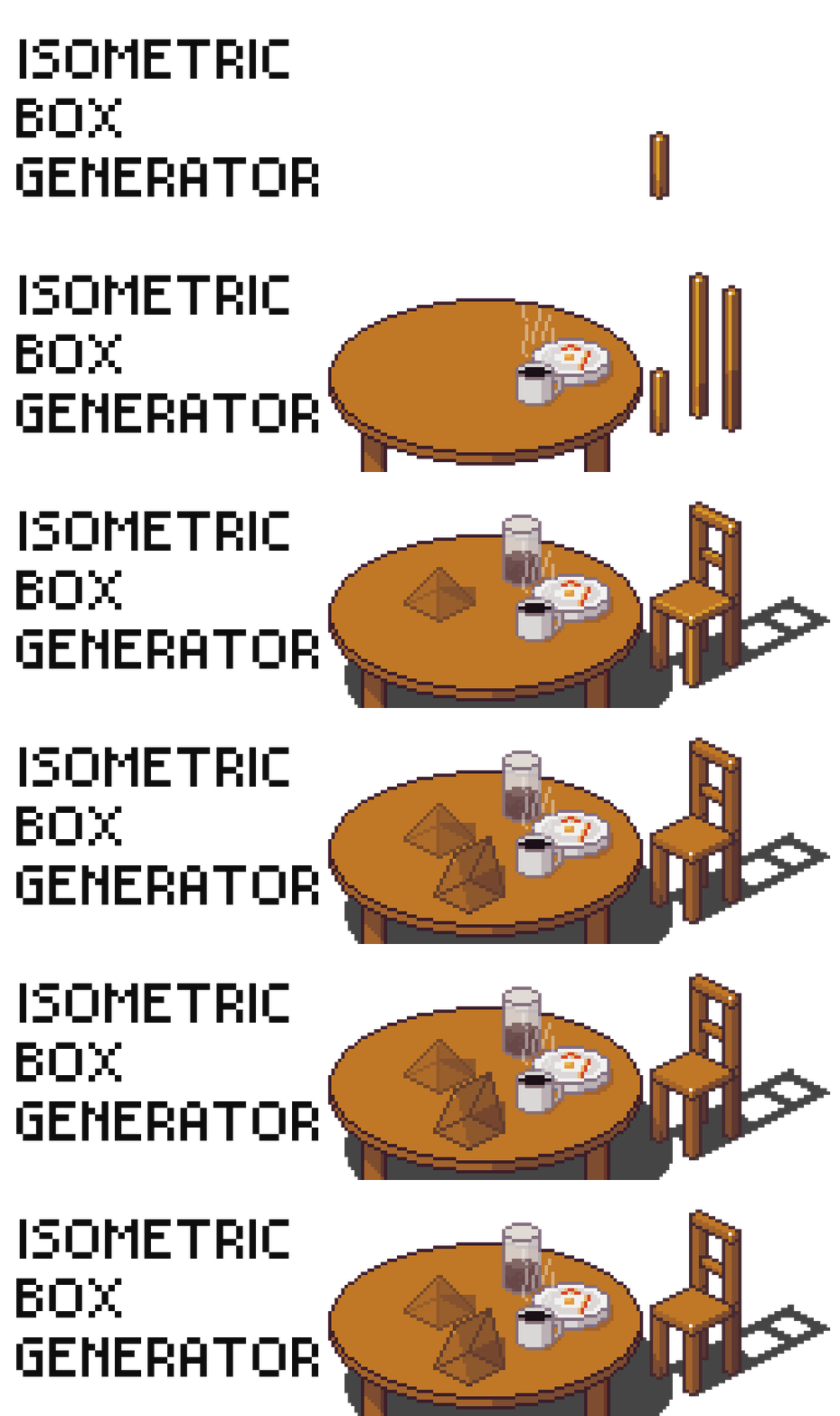
Isometric Box Generator for Aseprite
A downloadable tool for Windows, macOS, Linux, and Android
Isometric Box Generator Script
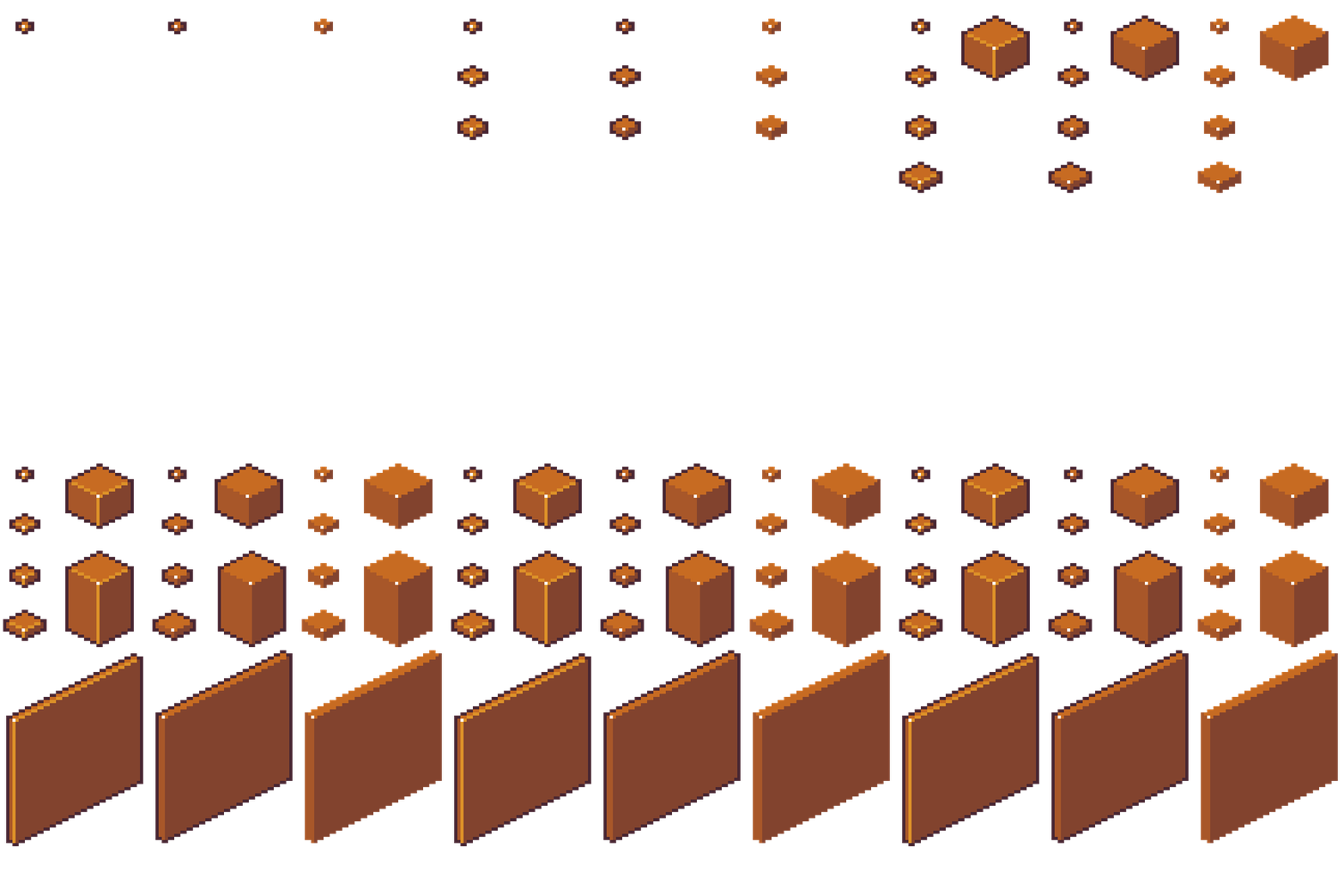
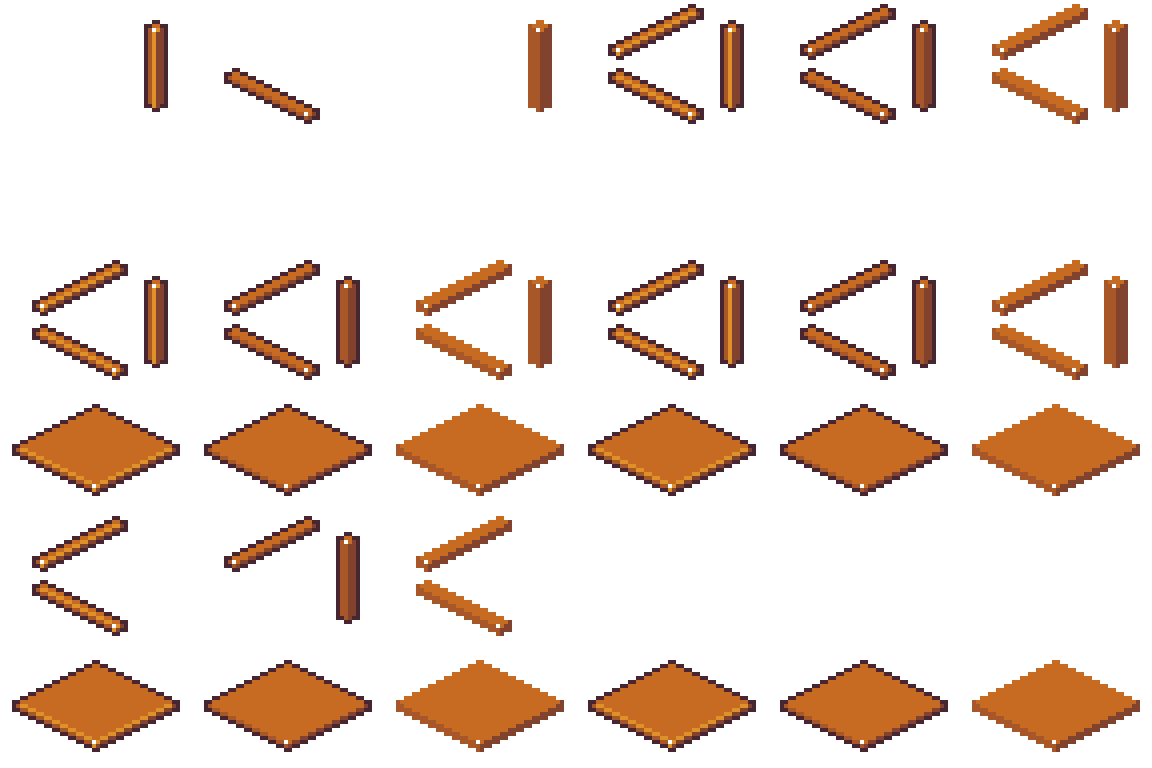
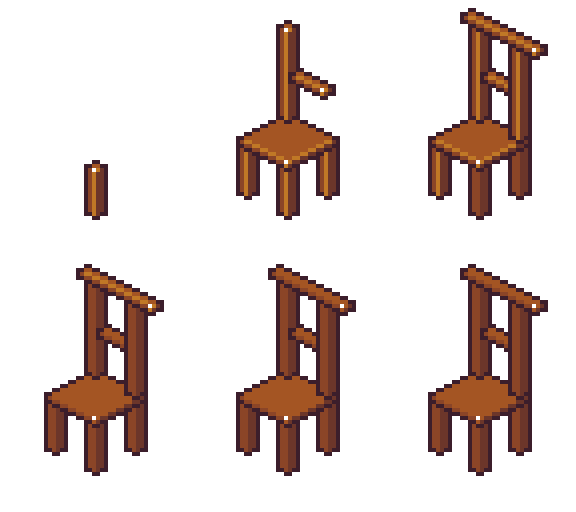
An incredible tool that allows you to create boxes or "box-ish" shapes, it allows you to create very thin walls, sticks, and poles.
Features:
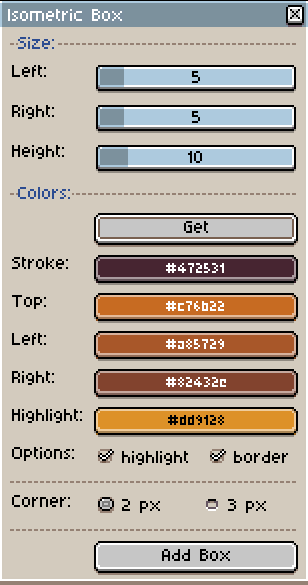
- Custom Sizes: Change Left, Right and Height sizes according to your desire, from 1 (min height is 2) to what your canvas can handle, create different shapes!
- Correct Color Shading: This shape follow my Easy Color Shading script logic, that respect color theory on shading, correcting shadows to blue, and lighter colors to yellow. Both together allows you to easily shade this object to your desired view.
- Options (Highlight/Border): In this script we have Highlight just as darkwark's script has, but I also implemented a option to remove the highlight, giving a cleaner view to the box. With that in mind, I also implemented a option without borders, these one is harder to tile, due to the lack of borders, different colors in different layers will cause visual incoherence, recommended for floor tiles.
- 2px and 3px Corners: Also another concept from the darkwark's script, which is the 2px and 3px options for box shape, which is also present in my other square based shapes scrupts.
Installation
1. Download files or clone this repository.
2. Open Aseprite.
3. Go to:
File > Scripts > Open Scripts Folder
4. Copy the scripts into your Aseprite scripts folder (extract if inside .zip file).
5. Keep the `utils/` folder next to the main scripts.
6. In Aseprite, go to:
File > Scripts > Rescan Scripts Folder OR press F5
7. Run the desired script from:
File > Scripts
Note: You can assign keyboard shortcuts in `Edit -> Keyboard Shortcuts` and search for the scripts
LICENSE
GNU General Public License v3.0
Feedback & Support
Help me by leave a rating/github start it . Thanks a lot!

Aseprite Toolset by Fellow Roach
A growing collection of Aseprite scripts made to speed up pixel-art workflows, especially for artists working with isometric shapes, shading, palette control, and reusable drawing helpers.
> Designed for pixel artists, game artists, and Aseprite users who want faster workflows without losing manual artistic control.
Highly recommended to use Easy Color Shading script if you pretend to use my other scripts.
Check out my other scripts
Download
Click download now to get access to the following files:
Comments
Log in with itch.io to leave a comment.
Hi! It doesn't work for me, the repository link shows a 404. Can't wait to try it!
on Aseprite it says cannot open ./utils/cube.lua no such file or directory
Bro, I forgot to make it public LOL! Thanks for letting me know, I updated the package with the correct access to utils.
Many thanks! Everything is working perfectly, really love that iso series! Happy coding
I also created the Pyramid, Cone and Prism, but I still need to create the showcases for itch, they are already in the github repo.