Easy Color Shading Script for Aseprite
A downloadable tool for Windows, macOS, Linux, and Android
Easy Color Shading
A compact color-shading helper for Aseprite.
This is useful when you want a fast starting palette while keeping colors consistent across your sprites and shape tools.
Features:
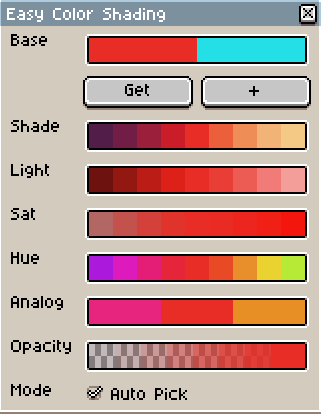
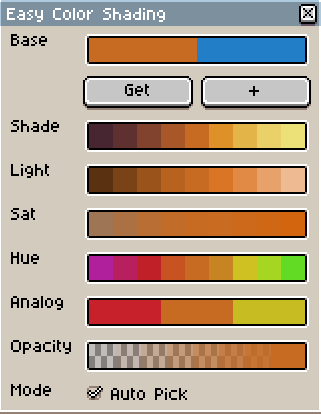
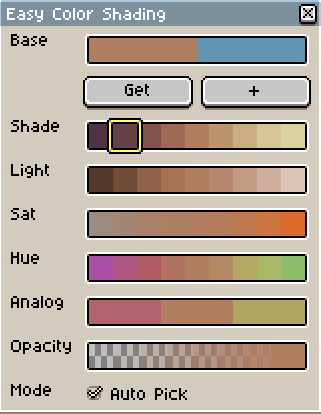
- Auto Pick Mode: Select a color in your current palette and the script will refresh the palette. Colors selected inside the script does not change the current colors available, use "get" to update colors based on the currently selected color.
- Shade Ramp: Darker is influenced by blue, lighter colors are influenced by yellow.
- Light Ramp: No hue shift, only value and a little of saturation shift.
- Saturation Ramp: : No hue shift, only saturation and a little of value shift.
- Hue Ramp: Hue shift with shade shift applied, making the hue change more distinguishable.
- Analog Ramp: Provide analog colors based on the current color.
- Opacity Ramp: Provide lower opacity options based on the current color.
- CUSTOMIZATION: Inside `utils/color_utils.lua`, after line 203, you can tweak, add or remove colors based on your need, this will affect all my shape scripts as they use this as source for color shading.
Installation
1. Download files or clone this repository.
2. Open Aseprite.
3. Go to:
File > Scripts > Open Scripts Folder
4. Copy the scripts into your Aseprite scripts folder (extract if inside .zip file).
5. Keep the `utils/` folder next to the main scripts.
6. In Aseprite, go to:
File > Scripts > Rescan Scripts Folder OR press F5
7. Run the desired script from:
File > Scripts
Note: You can assign keyboard shortcuts in `Edit -> Keyboard Shortcuts` and search for the scripts
LICENSE
GNU General Public License v3.0
Feedback & Support
Help me by leave a rating/github start it . Thanks a lot!

Aseprite Toolset by Fellow Roach
A growing collection of Aseprite scripts made to speed up pixel-art workflows, especially for artists working with isometric shapes, shading, palette control, and reusable drawing helpers.
> Designed for pixel artists, game artists, and Aseprite users who want faster workflows without losing manual artistic control.
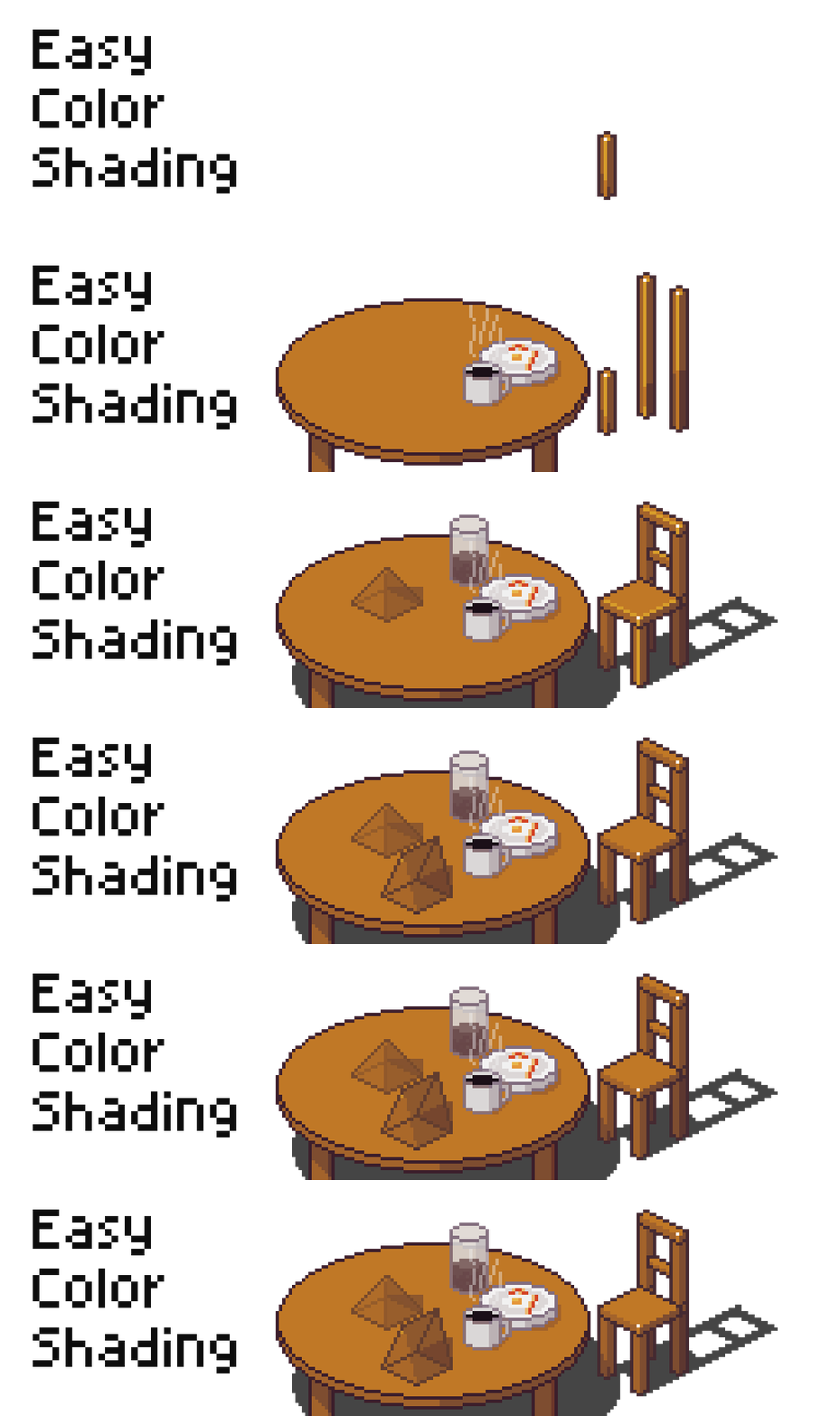
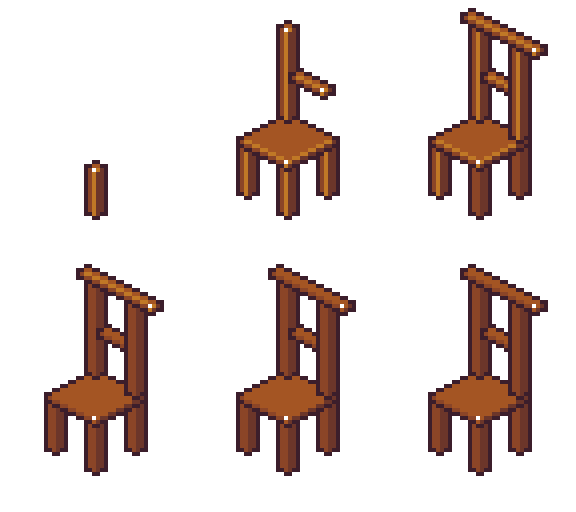
I'm also publishing the script used to create the isometric objects shown in the GIFs, they use this palette shading logic and script to facilitate my life shading and selecting colors. Highly recommended to use this script if you pretend to use my other scripts.
Download
Click download now to get access to the following files:
Leave a comment
Log in with itch.io to leave a comment.